Steam beta speeds up startup and may break UI mods; SteamOS 3.10.1 fixes Forza launches
Valve's November 18 Steam Client Beta shows the UI sooner at launch and renames nearly all CSS classes. SteamOS 3.10.1 Preview fixes two 3.10 regressions.
By ElvisPublished
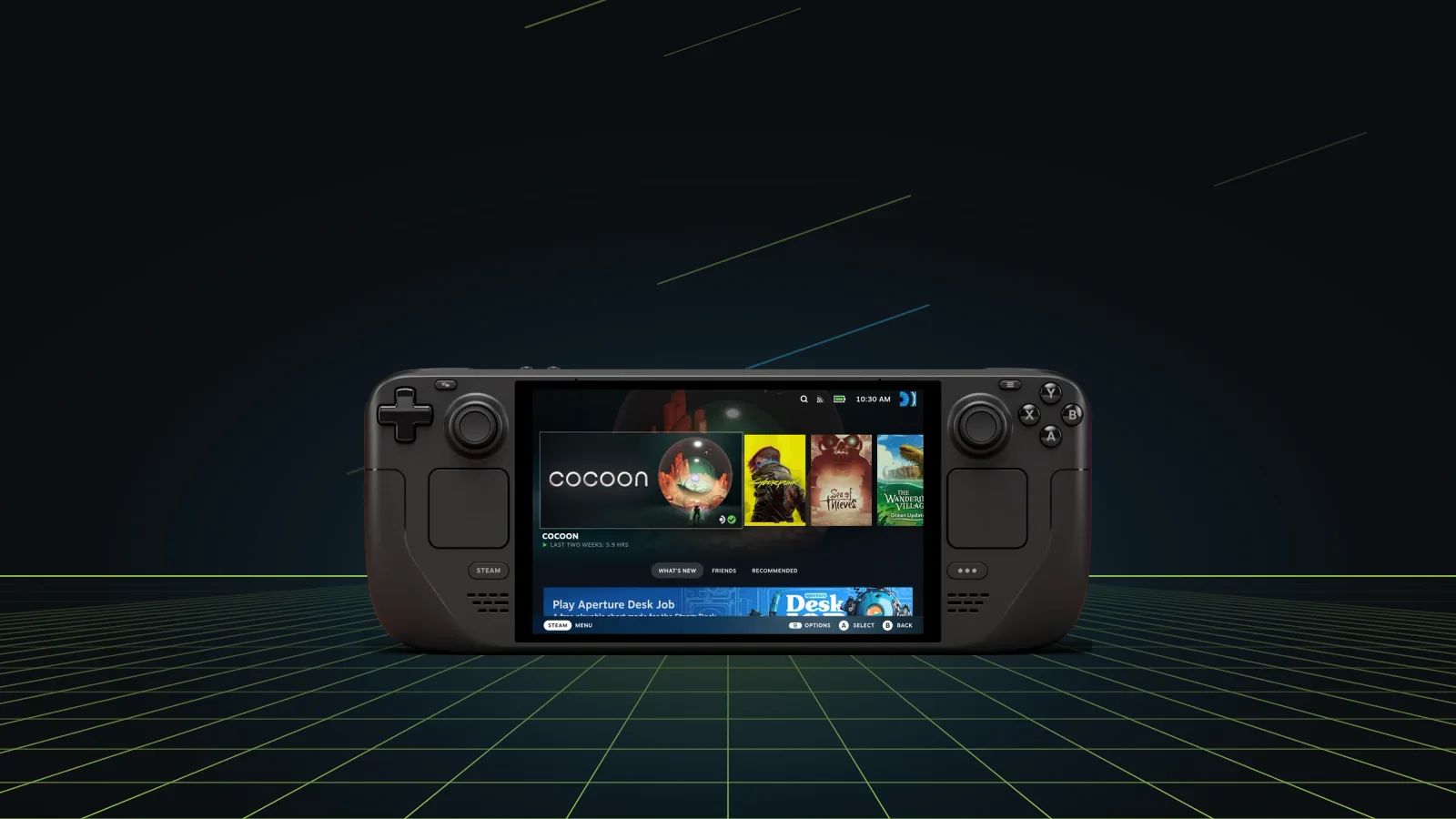
Valve posted a new Steam Client Beta, dated November 18, that puts the Steam interface on screen faster at launch and changes the names of nearly all of the client’s CSS classes. Valve’s own note warns that this will need updates from anyone who modifies the Steam UI. A day earlier, on November 17 (UTC), the Steam Deck Preview channel got SteamOS 3.10.1, which fixes two regressions from the 3.10.0 Preview, including launch failures in the Forza Horizon games.
UI mods and Decky plugins
The CSS change comes from a switch in Valve’s internal build tools, according to the beta notes. Valve says it doesn’t officially support third-party UI modifications and flags the rename so that mod authors and their users know updates are coming. GamingOnLinux, which reported the beta on November 19, calls the note itself unusual.
Valve names no projects. On the Deck, the best-known UI mods run through Decky Loader, whose plugins include CSS Loader for restyling the menus. Our reading, not Valve’s: themes and plugins that hook into Steam’s class names are the likeliest to need fixes if this change reaches the Stable client, and Valve gives no date for that. If you rely on Decky plugins, staying on the Stable client channel until they update is the cautious choice.
Startup and offline play
The headline change is perceived speed: in this beta Steam gets its UI up during startup instead of leaving a few seconds where nothing seems to happen, and Valve lists further startup gains in some cases. Several fixes matter for a handheld that often goes without Wi-Fi:
- Achievement icons and the avatars of friends, family members and groups are saved locally, so they still appear in Steam and in game overlays offline.
- Offline mode can be switched on in Big Picture Mode while there is no connection, something Valve says was disabled before on Steam Deck and in Big Picture.
- A reconnect button appears in Big Picture chat when Steam started without a connection, and the header updates its online or offline state right away.
- Store and Community pages show a proper error screen when they fail to load.
Remote Play, input and the on-screen keyboard
Remote Play connections start faster, local and remote. With “Match Client” set on the host, Valve says 16:9 clients get 16:9 resolutions where possible, and other screens get modes that avoid downscaling and fill as much of the panel as they can. Valve gives no Deck example, but the Deck’s 1280x800 panel is 16:10, so it falls in that second group. Streaming from a Deck or Steam Machine also gets a fix for the mouse cursor landing in the wrong spot in some games.
Steam Input has a new controller detection system, and Valve asks for bug reports. The notes add better Switch Pro controller detection, gyro on third-party Pro controllers that have it, and fixes for the on-screen keyboard: touch typing that sometimes didn’t register in store or chat windows, and trackpad typing that could stop working after you opened the emoji tab.
SteamOS 3.10.1 Preview
The 3.10.1 build changes two things on top of 3.10.0. Titles such as the Forza Horizon series that failed to launch on 3.10 start again, and certain displays no longer show an “invalid signal” error. Everything else in the notes, from Linux 7.3 and Plasma 6.8.2 to HDMI 2.1 VRR on AMD graphics, carries over from 3.10.0. Valve describes it as an early build, and you opt in under Settings > System > System Update Channel. Valve measures the changes against the SteamOS 3.9 Stable release, which we covered in October.
Sources
- Steam Client Beta - November 18th · Valve
- SteamOS 3.10.1 Preview · Valve
- Steam Client Beta - November 18 gets even more startup improvements, may break some UI mods · GamingOnLinux
Spotted a mistake? Tell us and we'll correct it.