Microsoft's Auto SR upscaler works on battery on the ROG Xbox Ally X and X20 from November 10
Microsoft's Auto SR runs on the built-in screen, takes 1080p games and adds a Performance Mode of up to 120 fps, up from the preview's 60 to 75 fps.
By ElvisPublished
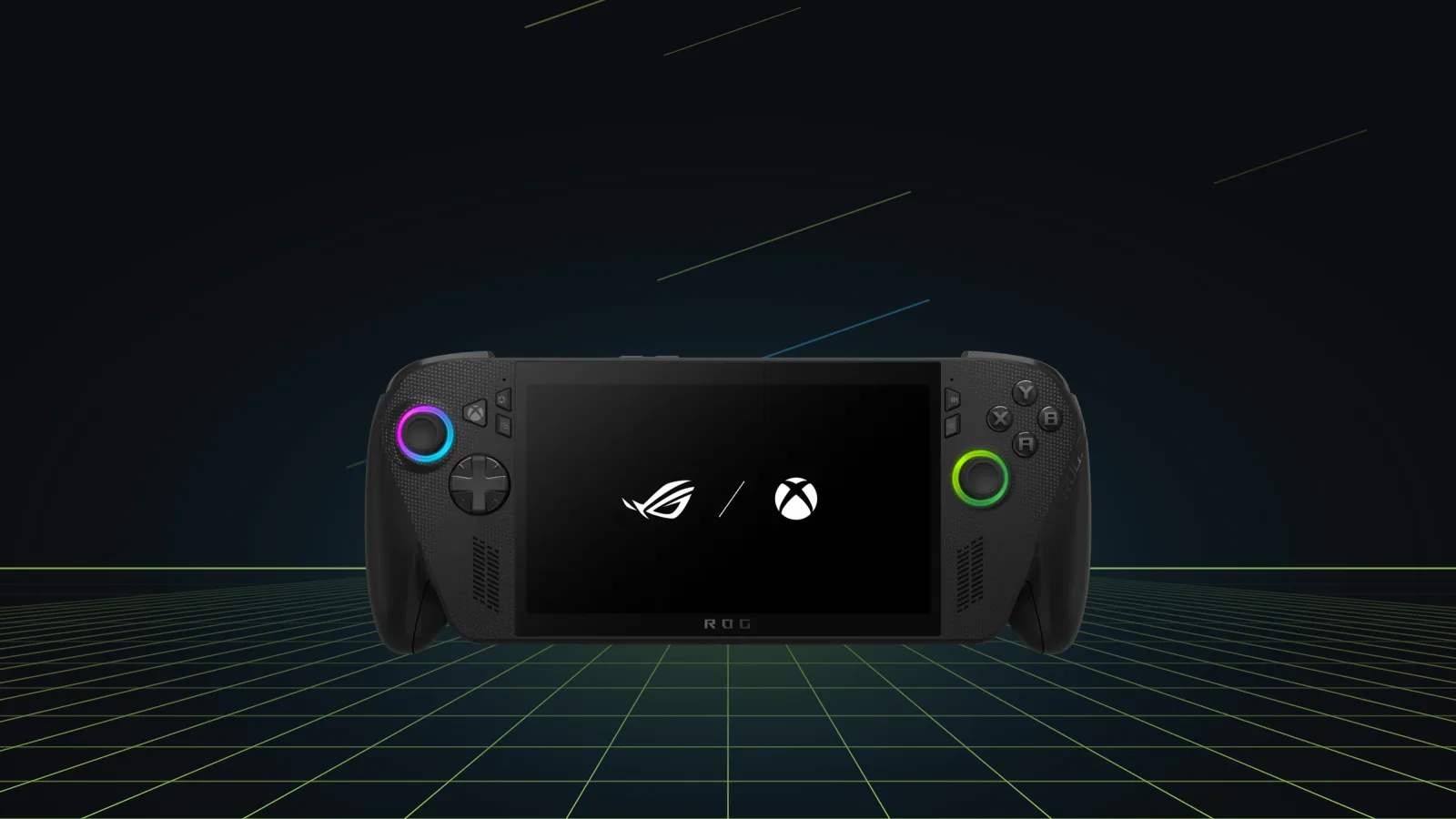
Automatic Super Resolution (Auto SR), Microsoft’s own upscaler, has left preview on the ROG Xbox Ally X and ROG Xbox Ally X20, Microsoft said in a November 10 post on its DirectX Developer Blog. In the Insider preview it needed a dock; the release version also upscales games on the built-in display, and that includes playing off the charger. Microsoft is also opening Auto SR to some Copilot+ PCs with AMD Ryzen chips.
What changed since the preview
Xbox Insiders could only turn Auto SR on while the Ally X was docked. Microsoft says it started there because a big TV or monitor is where the upscaler helps most, and that handheld support came after players asked for it.
The preview topped out at roughly 60 to 75 fps, by Microsoft’s count. The new Performance Mode raises that to up to 120 fps, and Game Bar lets you pick it or Quality Mode and switch between them while a game runs.
During the preview, Microsoft says, players had to lower a game’s resolution before Auto SR would kick in. From this release a game running at 1080p qualifies, and on a higher-resolution TV or monitor the output can go up to 1440p. Microsoft warns that 1080p on the internal screen may perform worse than other setups, with the clearest gains in older games.
Auto HDR used to be an either-or choice with Auto SR. Since the November 10 release, the two run at the same time on an HDR TV or monitor, or on the X20’s own screen.
Microsoft’s only frame-rate example is its own Rocket League capture on an Ally X at 720p and high settings: about 70 fps average in Quality Mode and about 115 fps in Performance Mode.
Rolling out in stages
Performance Mode and Auto HDR support come through Windows updates and may take a while to reach a given device, Microsoft says, while handheld play, 1080p input and the Copilot+ PC expansion went live with the November 10 post.
Auto SR needs the Auto Super Resolution Package from the Microsoft Store on top of current Game Bar and Windows 11 updates. The mode picker sits in Game Bar (Xbox button, or Win + G) under Widgets > Display > Graphics.
Auto SR or FSR?
PC Gamer’s advice is to keep FSR on where a game ships a solid version of it, because its output matches the game’s intended look more closely, and to switch to Auto SR in games with no FSR or a poor one. Since Auto SR runs on the NPU, the GPU keeps its full budget for rendering. PC Gamer talks about FSR in general. On these two handhelds that includes FSR 4.1, which arrived as a preview driver on October 23.
What’s still unknown
Microsoft’s post names only the Ally X and X20 among handhelds. It doesn’t mention the base ROG Xbox Ally or other Windows handhelds. Windows Central’s October 2025 review of the base Ally, which runs the Ryzen Z2 A, said it misses out on Auto SR because it has no NPU, and Microsoft’s post gives no sign that this has changed. It also gives no date for when Performance Mode and Auto HDR finish rolling out. For how the base model and the Ally X differ, see the ROG Xbox Ally vs ROG Xbox Ally X comparison.
Sources
- Auto SR Officially Launches on ROG XBOX Ally X and X20, Expands to Copilot+ PCs powered by AMD Ryzen · Microsoft DirectX Developer Blog
- The more affordable Xbox Ally is a modest handheld that works as expected — but the Steam Deck casts a long shadow over it · Windows Central
- Microsoft's own upscaler and alternative to FSR just landed on Xbox Ally X handhelds - actually uses an NPU for something useful · PC Gamer
Spotted a mistake? Tell us and we'll correct it.